


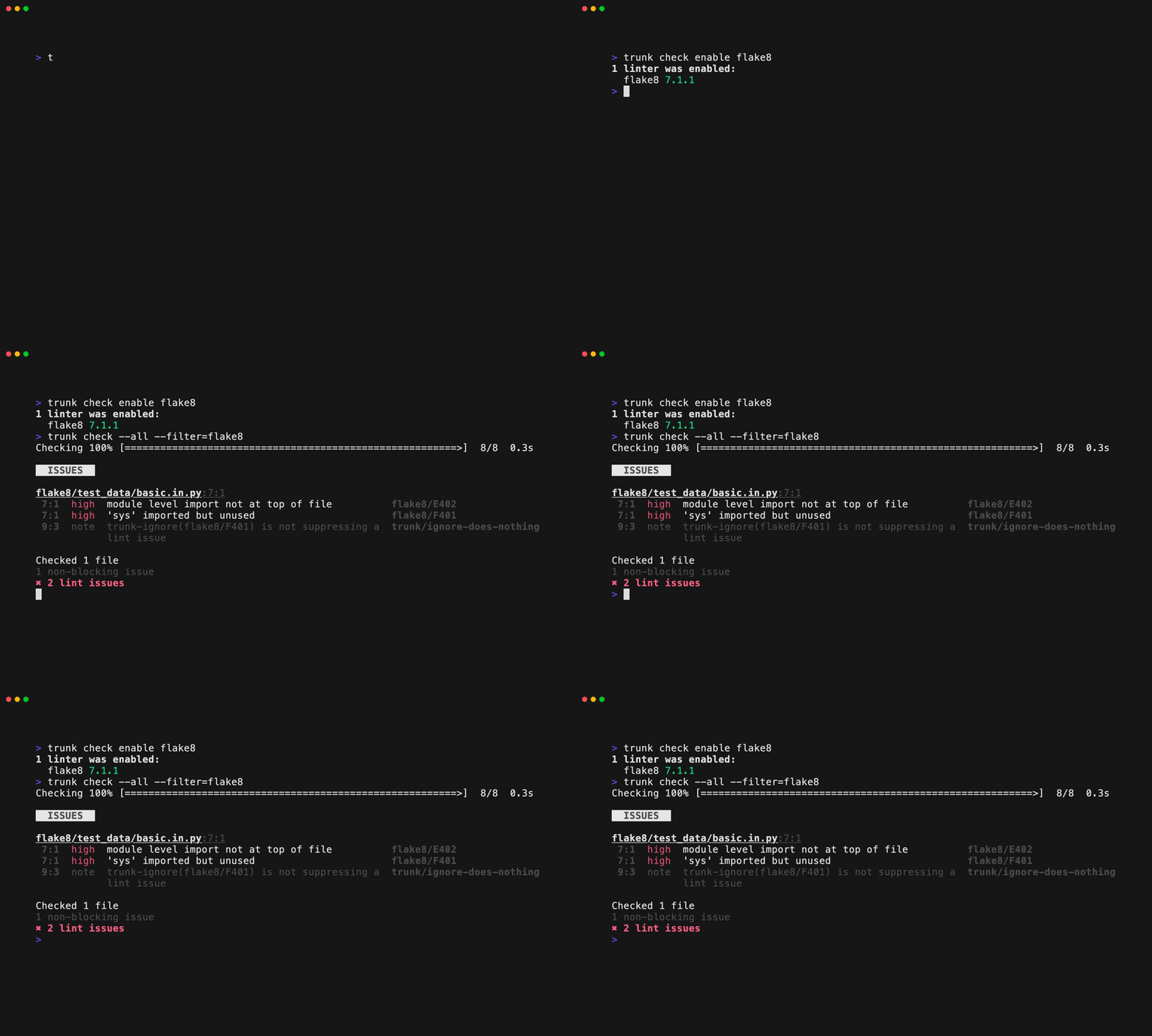
Flake8 is a linter for Python. You can enable the Flake8 linter with:Documentation Index
Fetch the complete documentation index at: https://trunk-4cab4936-sam-gutentag-flaky-tests-new-monitors.mintlify.app/llms.txt
Use this file to discover all available pages before exploring further.
Auto Enabling
Flake8 will be auto-enabled if a.flake8 config file is present.
Settings
Flake8 supports the following config files:.flake8
.trunk/configs and trunk check will still find them. See Moving Linters for more info. Trunk Code Quality provides a default .flake8 if your project does not already have one.
Usage Notes
Flake8 has a plugin architecture where if you install a plugin, it gets used. You can enable Flake8 plugins via:flake8-bugbear is probably the most popular flake8 plugin, we recommend it!. Here are a few other popular flake8 plugins you should consider.
- flake8-comprehensions: Helps in identifying unnecessary comprehensions in your code.
- flake8-docstrings: Checks for compliance with Python docstring conventions.
- flake8-import-order: Checks the order of your imports according to various configurable ordering styles.
Links
- Flake8 site
- Flake8 Trunk Code Quality integration source
- Trunk Code Quality’s open source plugins repo